QECTOR DECODER WORKBENCH v0.5.3 DEVLOG
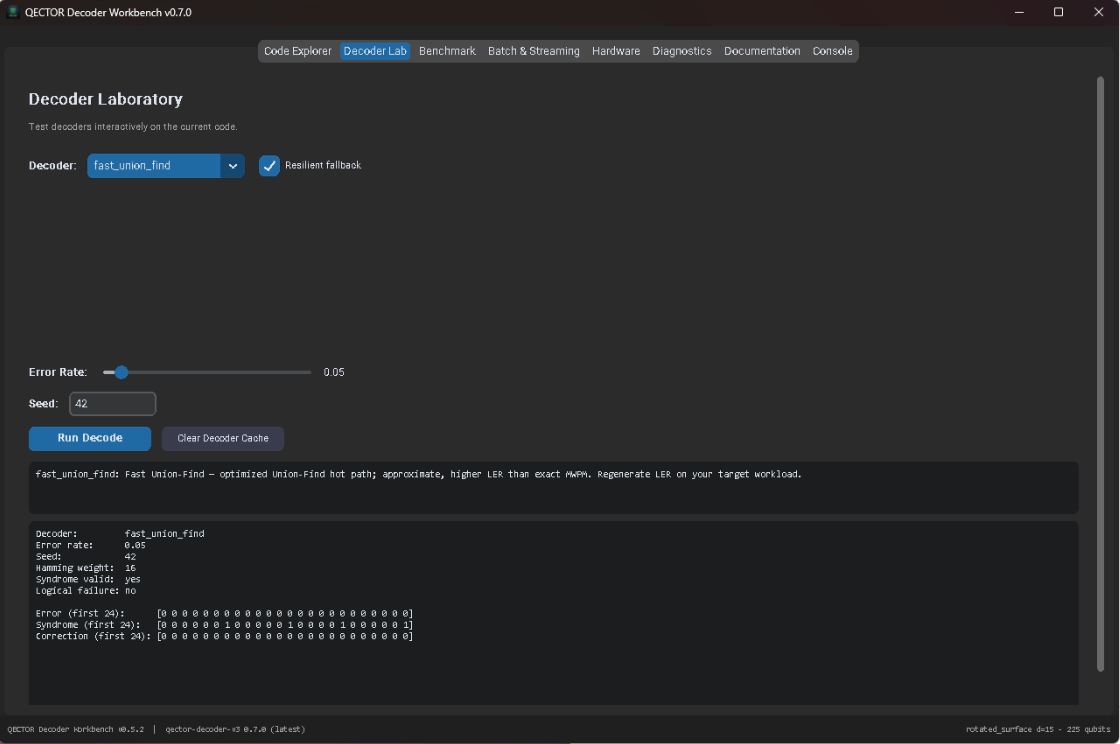
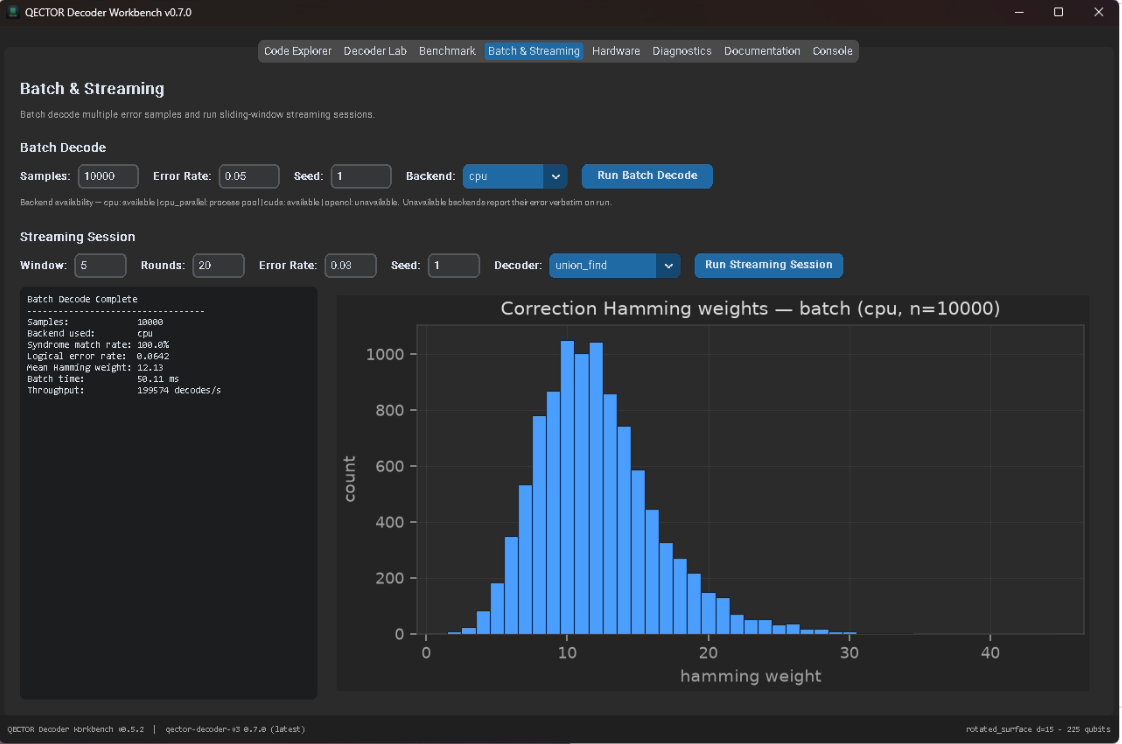
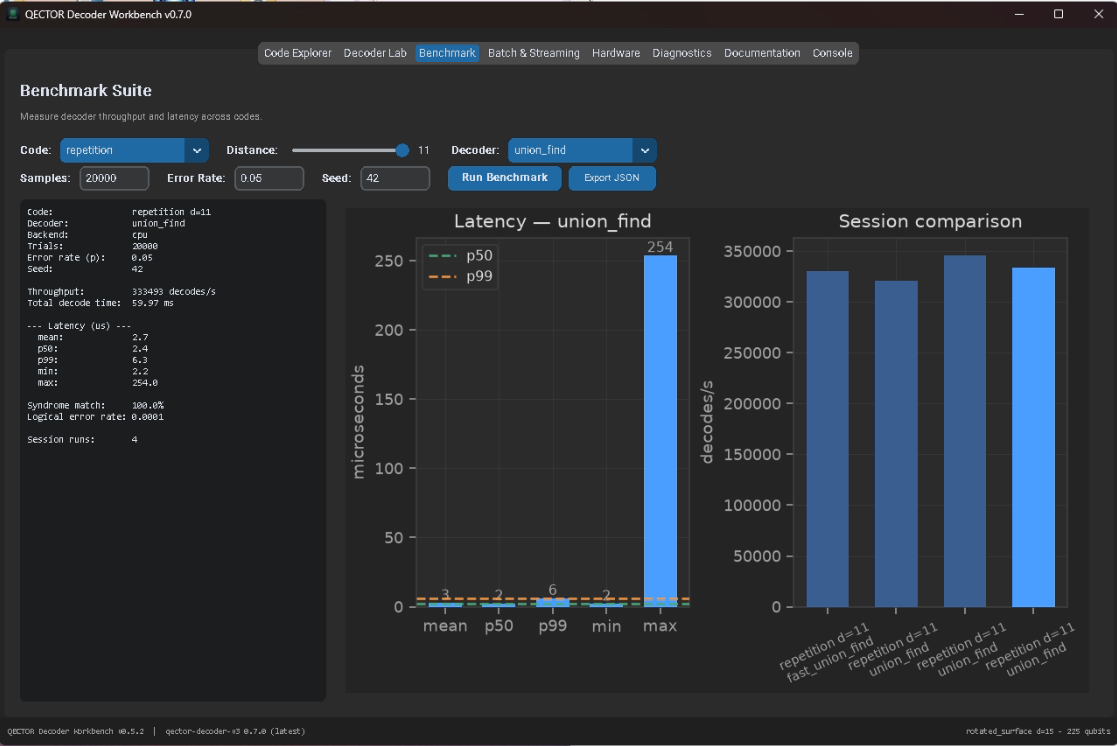
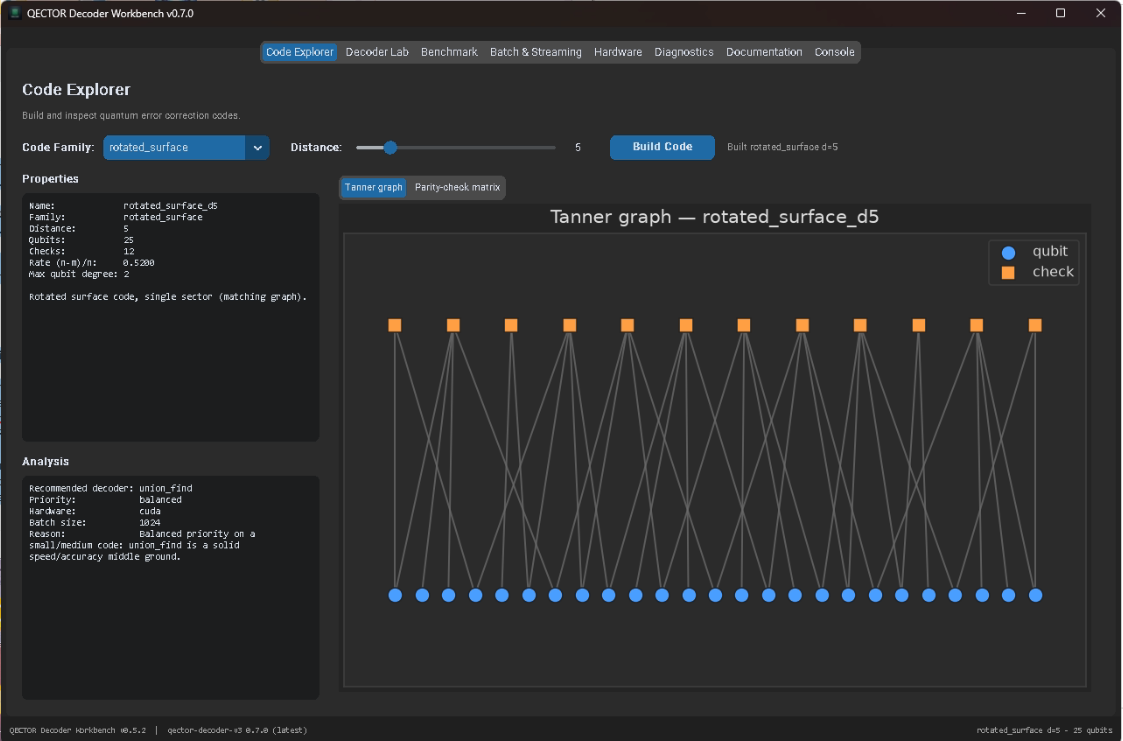
QECTOR DECODER WORKBENCH v0.5.3 DEVLOG
WINDOWS PORTABLE BUILD IS LIVE
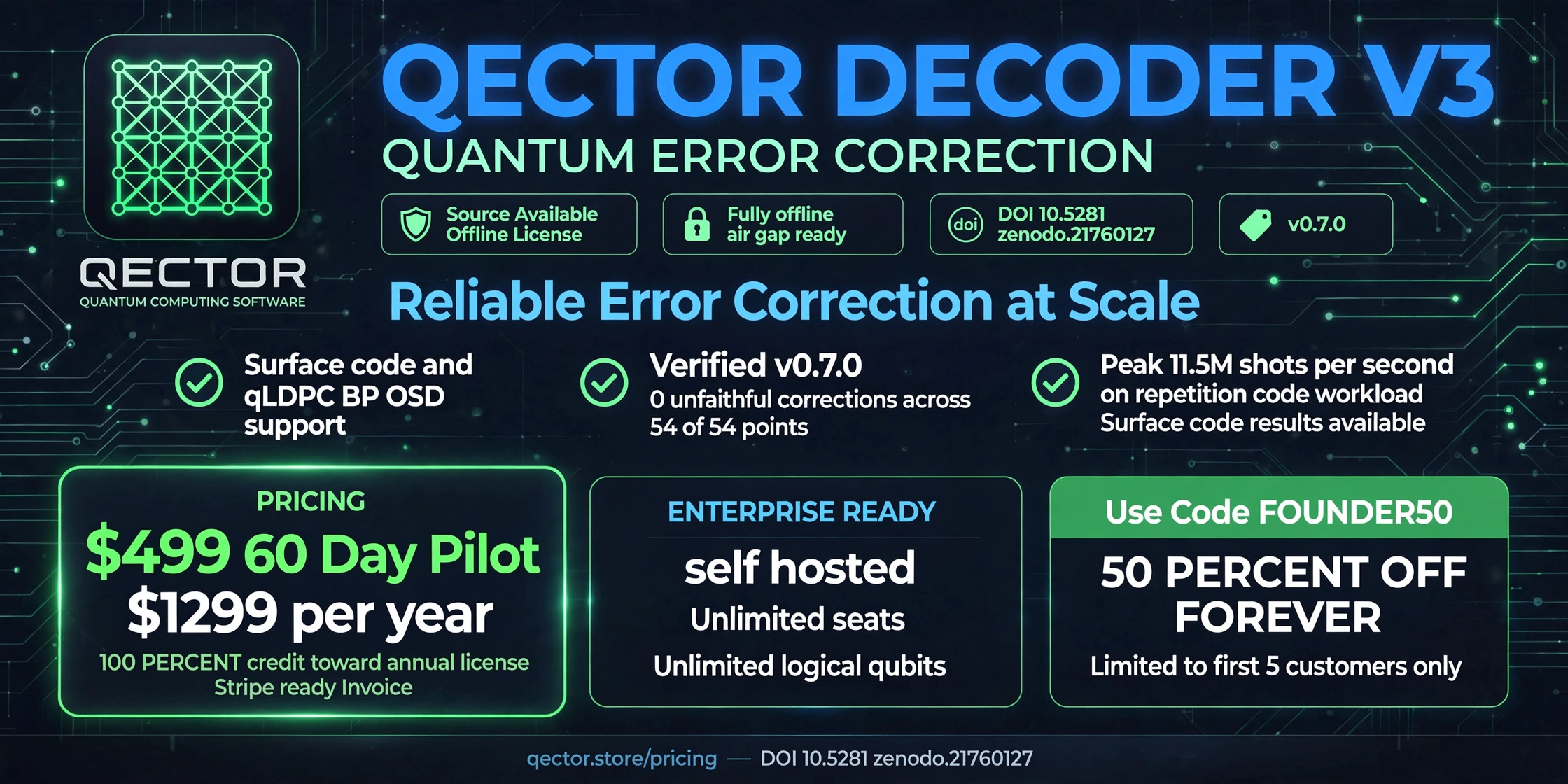
This release moves the Workbench onto the qector decoder v3 0.7.0 backend and packages the whole thing into a single portable exe. No installer, no admin rights, no internet connection needed to run it.
WHAT CHANGED THIS VERSION
Backend upgraded to qector decoder v3 0.7.0, bundled directly inside the exe along with its own Python runtime and scientific stack. The wheel activates into a per user managed site automatically on first launch.
16 decoders now covered across 10 code families, including qLDPC bicycle and bivariate bicycle codes plus colour codes.
Added a 56 tool MCP server over stdio JSON RPC 2.0, so the decoder can be driven programmatically or by an agent. Run it headless with: QectorWorkbench Portable.exe mcp
New Self Diagnostics & Auto Debug tab. Runs a full environment, decoder, and hardware self test, probes each decoder individually, and can attempt a resilient decode with automatic fallback across multiple decoders, verifying H·c == s at every step and logging the full attempt trace.
New Lab & Personal Info tab. Holds a deposit profile (author, ORCID, affiliation, DOI, funding, keywords) used when generating reports, plus decoder licence key install with a live tier readout.
Hardware Dashboard now auto detects CUDA, OpenCL, and CPU, and gives an honest reason when OpenCL is unavailable instead of a bare "N/A". The QECTOR_DISABLE_OPENCL=1 skip probe escape hatch actually works now.
Every data export now carries a real SHA 256 checksum manifest or sidecar. This covers documentation exports (MD, HTML, JSON, LaTeX, PDF, SVG, Zenodo, CITATION.cff), benchmark reports, batch and streaming reports, diagnostics reports, and hardware reports.
Distance slider extended to d3 through d63, matching the Enterprise tier's max_distance of 63. Benchmark tab covers d3 through d21.
Documentation export now spans 8 formats (Markdown, HTML, JSON, LaTeX, PDF, SVG, plus .zenodo.json and CITATION.cff sidecars), forming a five figure publication suite.
THE FULL PICTURE
8 GUI tabs total: Code Explorer, Decoder Lab, Benchmark, Batch & Streaming, Hardware, Diagnostics, Documentation Studio, and Lab & Personal Info, plus a live Console.
WHY A PORTABLE BUILD
The goal was zero friction. Download the exe, double click, done. Runtime data (logs, exported documents) lands in %LOCALAPPDATA%\QectorWorkbench, and that location can be overridden with QECTOR_DATA_DIR if you want it somewhere else. No online update check either, the app runs entirely from what ships in the box.
WHAT'S NEXT
Feedback on the Self Diagnostics tab and the MCP server is especially welcome, since both are new this version. If you hit a decoder specific issue, the attempt trace from the resilient decode should make it easy to report.
Full changelog and checksums are on the download page.
Leave a comment
Log in with itch.io to leave a comment.